
Following up with on the previous post, Visualized: Usable, Useful, & Desirable Design, With Claude AI.
The quick summary: the output Claude provided based on my content was outstanding but also really needed some work.
To summarize again:
- The type styles, sizes, and legibility were flawed.
- The supplemental text improvised by Claude strayed from my objectives, although some were great takes that show a foundational understanding of my intent.
- It missed considerably the Web Content Accessibility Guidelines (WCAG) standards.
The Results
Original Version
I loved the visual treatment. A really clever way to illustrate the concept, with quick-to-scan summaries and emphasis on the three tenets of the design hierarchy.
You can see how there are issues with the font size and contrast, the positioning of the tenets is inconsistent, “app” is mentioned a lot when I never specified it. When you engage with the interactive version the supplementary text under each tenet wasn’t quite on the mark. I revised nearly all of these, although this was a neat feature that Claude added.
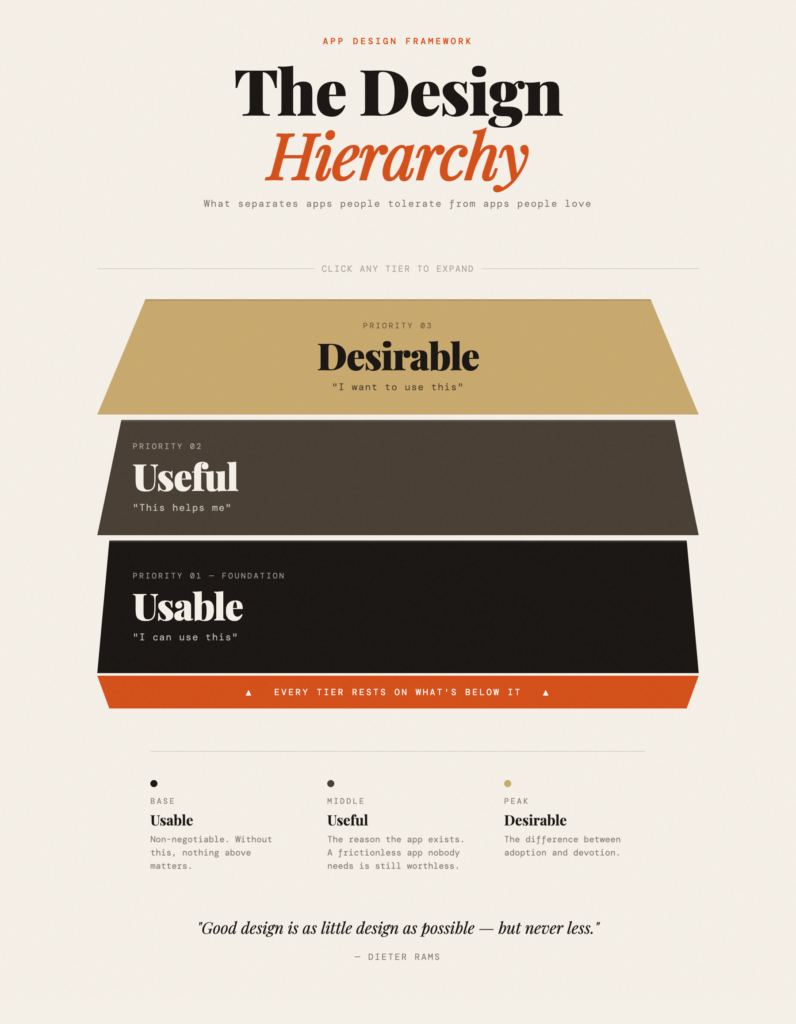
Try out the original interactive model
Accessible Version
I tested the original output for accessibility and it was quite flawed. I’d started trying to fix it myself but it was burdensome, so I went back with a request for Claude to update this to WCAG accessibility compliance.
The result was impressive, Claude gave extensive summaries of what it had changed, including documenting it all in the code. It updated contrast ratios, font-sizes, screen reader abilities, keyboard navigation, alt text. Amazing.
Unfortunately, Claude’s valiant efforts broke a lot of the original design features and even some of the code: expand buttons were misaligned, heading styles removed, animations broken. I went in and tried to alter them the best I could but I was spending too much time on it.
Here’s what Claude provided:
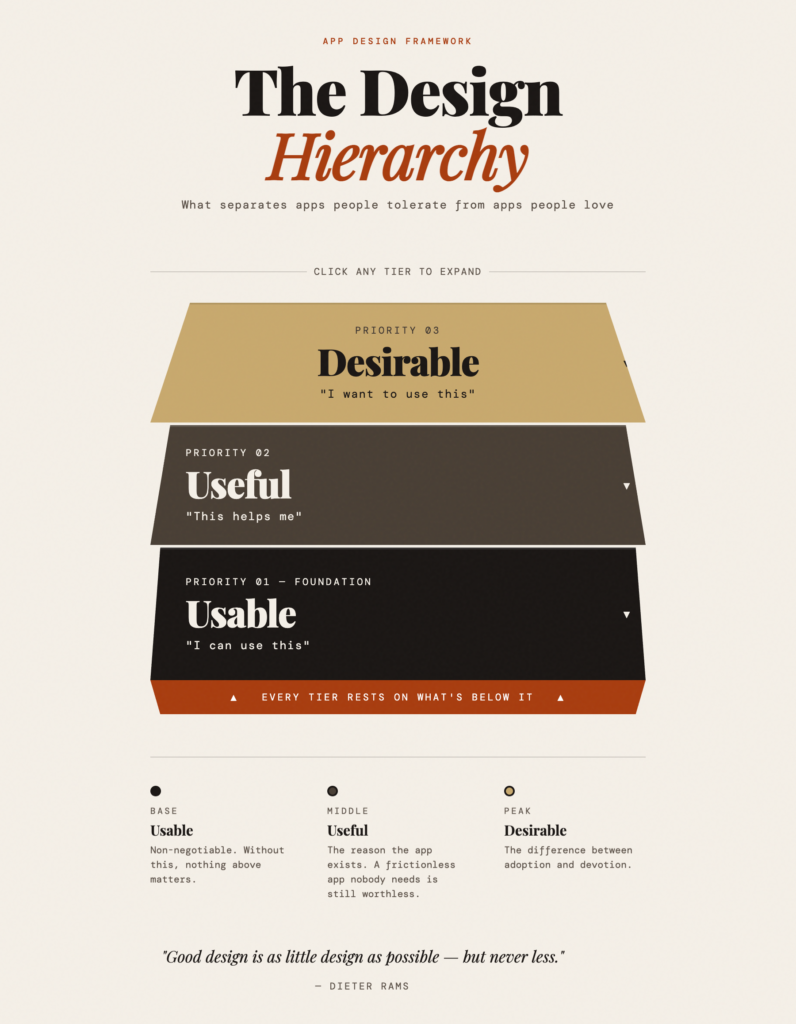
It’s best to view the accessible interactive model
Final (For Now)
I decided to at least fix the contrast and legibility problems accessibility problems but it still lacks a lot in meeting WCAG compliance. With time, I hope to improve this to get both a compliant AND fully functioning interactive model.
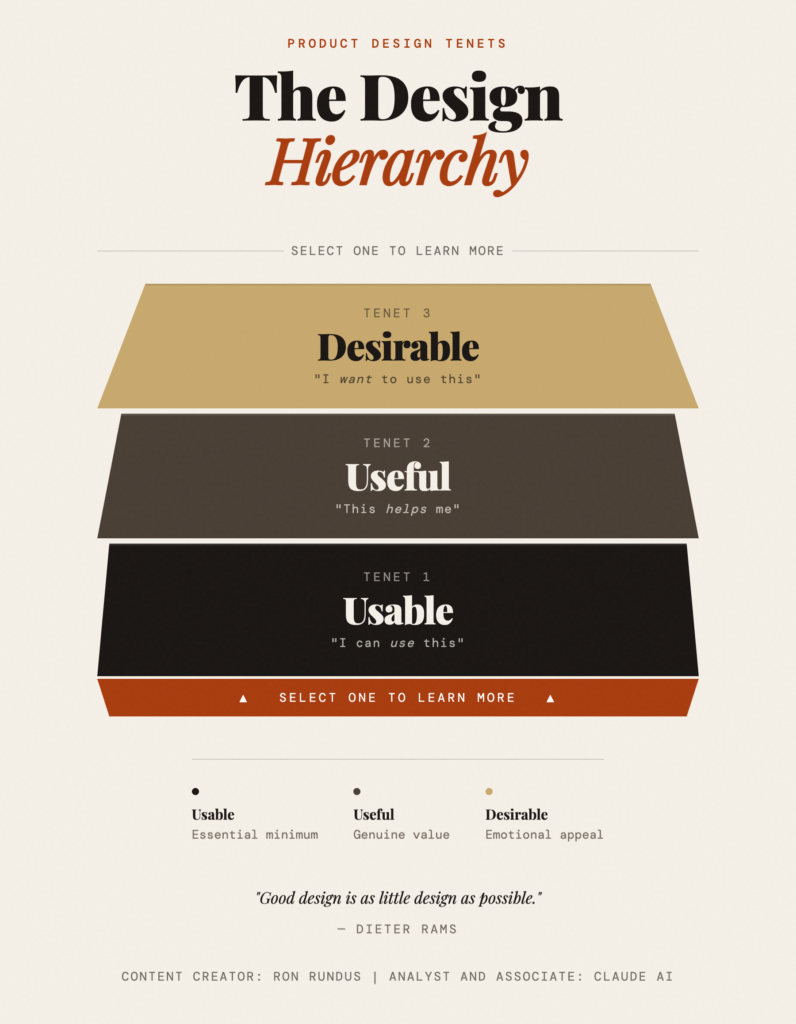
Try out the updated interactive model
Compliance notwithstanding, I am happy with the end result. Claude got me about 50% of the way, I took on another 30% of the work. I still need to do about 20% more.
You’ll see at the end I added the Acknowledgement, crediting Claude with its role as Analyst and Associate. As we continue to evolve with our AI partners, it’s going to be important to credit those partners, particularly if we benefit reputationally and financially.
My next post is about the roles that AI and LLMs play for humans and how we can designate, utilize, and acknowledge them.